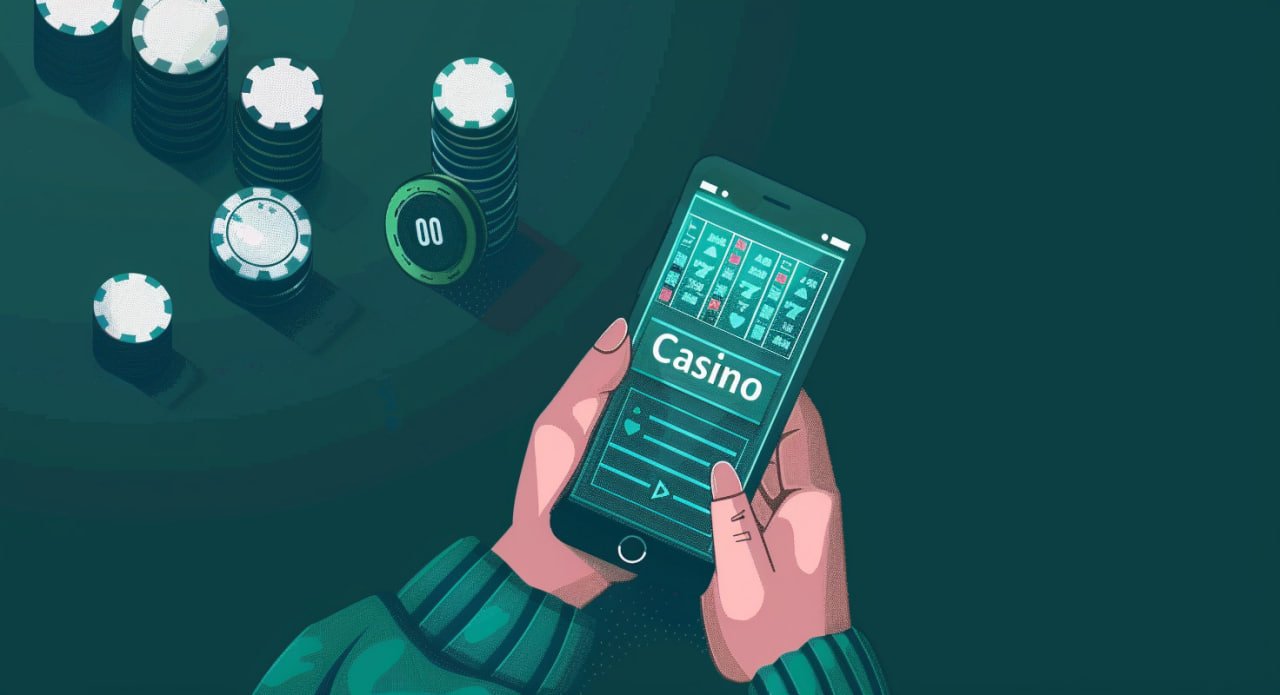
Get the full Babu Game 88 experience anywhere, anytime. Fast installation, a lightweight app, and a complete Bengali interface.
Babu Game 88 App Available on All Major Platforms
Install directly on any device running Android 5.0 or higher. The APK file is just 35 MB.
Runs smoothly on all Apple devices with iOS 13 or later. Install it easily from the App Store.
Play directly from your browser with no download needed. Works on Chrome, Safari, and any modern browser.

Set up the Babu Game 88 app on your phone in just a few simple steps.
Start by going to the registration page on Babu Game 88 and creating your account. Just enter your mobile number and password — it takes under two minutes.
Go to your phone's Settings → Security → Unknown Sources (or Install Unknown Apps) and enable the option. This is required to install APK files.
Click the "Download APK" button above. Once the download is complete, you'll find the file in your Downloads folder.
Tap the downloaded APK file and hit "Install". Installation typically completes within 30 seconds.
Open the app, log in to your account, and start playing right away.
Complete your registration on the Babu Game 88 website first, so you can log in immediately after installing the app.
On your iPhone or iPad, tap the "Download for iOS" button above. It will take you to the App Store or a direct download page.
Go to Settings → General → VPN & Device Management and Trust the app. You only need to do this once.
You'll see the Babu Game 88 icon on your home screen. Tap it to open the app and log in with your account.
Keep notifications enabled to stay updated on bonus offers and promotions — so you never miss a deal.

Many people wonder why they need a separate app when they can just play through a mobile browser. But the dedicated Babu Game 88 app has several clear advantages. First, loading speed — the app is natively optimized, so games open much faster. Second, battery usage — running games in a browser drains your battery quickly, while the app uses significantly less power.
The Babu Game 88 app interface is fully localized for Bangladeshi users. Menus, notifications, and support chat are all displayed in Bengali, making it especially convenient for users who are less comfortable with English.
One of the biggest advantages of the Babu Game 88 app is push notifications. You'll get instant alerts on your phone whenever a new bonus launches, a weekly cashback offer becomes available, or a special tournament kicks off — something the browser version doesn't offer.
The app supports biometric login, meaning you can sign in with your fingerprint or face unlock — no need to type your password every time. It's also more secure, since your biometric data stays on your device only.
Live Casino games look even better in the app. HD streaming runs smoothly on mobile data, live chat with dealers is easier, and the entire screen is used for gameplay — no space wasted on a browser's address bar or toolbar.
The Android APK is just 35 MB — a lot of features packed into a surprisingly small file. Babu Game 88 was built with file size optimization in mind, making it a great option for users with limited storage space.
The app runs well even on lower-RAM devices. Gaming is reasonably smooth on 2GB RAM, and very fluid on 4GB or more. If game load times feel slow, clearing the cache usually does the trick.
Babu Game 88 releases regular app updates whenever new games are added, payment methods change, or security improvements are made. When you get an update notification, it's best to update right away to keep everything running at peak performance.
The app uses SSL/TLS encryption, so your login credentials and transaction details are always protected. Enabling Two-Factor Authentication adds another layer of security to your account.
If you're having trouble installing the APK, first check that Unknown Sources is enabled. If you see a "Parse Error", re-download the APK file — the previous download may have been incomplete. On iOS, if you see an "Untrusted Developer" message, go to Settings and Trust the app.
If the app still won't open after installation, try restarting your phone — that usually fixes it. If the problem persists, reach out to Babu Game 88 live support, where agents are available to help in Bengali.
SSL/TLS encryption, Two-Factor Authentication, and regular security audits keep your data fully protected.
Warning: Only download the APK from the official Babu Game 88 site. Downloading from third-party sites is not safe.
The Full Babu Game 88 Experience in One App
Games load 3x faster than in a browser, with no lag.
Log in quickly and securely using your fingerprint or face unlock.
Instant notifications for bonuses, promotions, and game updates.
Full dark mode support for a comfortable viewing experience — play at night without straining your eyes.
Enjoy Live Casino games in HD quality over mobile data.
Make quick deposits and withdrawals via mobile banking or card.
24/7 live chat support in Bengali, available directly through the app.
You'll receive an automatic update notification whenever a new version is released.
Android, iOS & Browser Versions — Key Differences at a Glance
| Features | Android | iOS | Browser |
|---|---|---|---|
| Push Notifications | |||
| Biometric Login | |||
| Offline Mode | |||
| HD Live Streaming | |||
| Fast Loading | |||
| Dark Mode | |||
| Installation Required | |||
| Storage Required | 35 MB | 42 MB | 0 MB |
| Minimum Version | Android 5.0 | IOS 13.0 | Any |

The Most Common Questions About Download & Installation
Register, download the app, and enjoy the full gaming experience from anywhere.